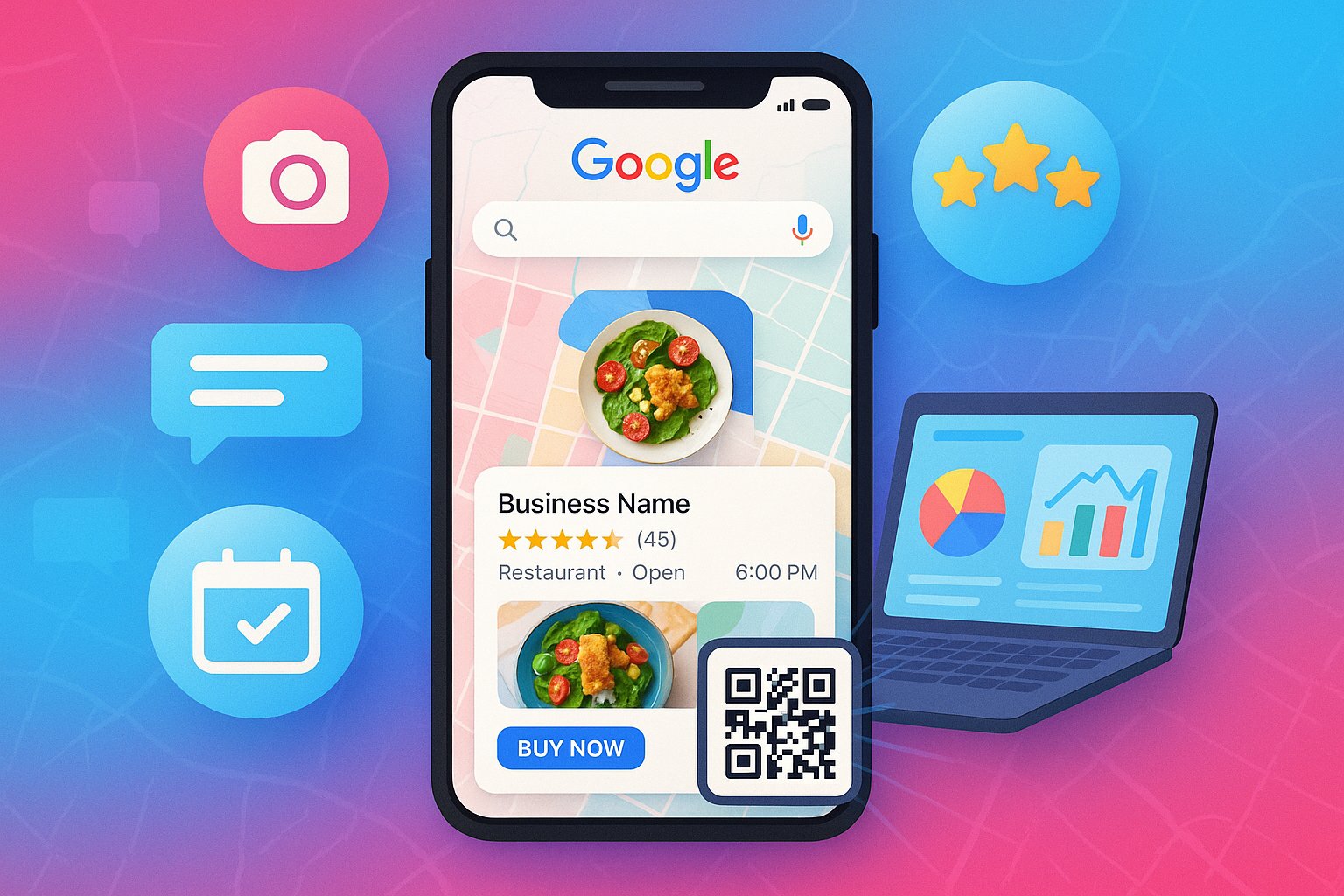
In today's digital landscape, appearing in local search results can make or break a small business. With 46% of all Google searches seeking local information, and 88% of consumers who search for a local business on their phone visiting or calling within 24 hours, optimizing your Google My Business (GMB) profile isn't just recommended—it's essential for survival. This comprehensive guide will walk you through proven strategies to maximize your local visibility and turn searches into customers.
Understanding Google My Business: Your Digital Storefront
Google My Business is a free tool that allows businesses to manage their online presence across Google, including Search and Maps. When optimized correctly, your GMB listing appears in the local Google 3-Pack—the coveted top three results that appear for local searches—driving directions, phone calls, website visits, and foot traffic. Think of it as your digital storefront that works 24/7 to attract nearby customers actively searching for what you offer.
Step 1: Claim and Verify Your Business
If you haven't already, the first step is to claim and verify your business listing. Google needs to confirm you're the legitimate owner to prevent fraudulent claims.
🔍 Search for Existing Listing
First, search Google for your business name and location. If a listing already exists, click "Claim this business" to begin the verification process.
📬 Choose Verification Method
Google typically verifies by postcard sent to your business address (most common), phone, email, or instant verification if you've already verified with Google Search Console.
✅ Complete Verification
Once received, enter the verification code in your GMB dashboard. This process can take 1-2 weeks, but is essential for accessing all features.
Step 2: Complete and Optimize Every Section
An incomplete GMB profile signals distrust to both Google and potential customers. Fill out every section with accurate, detailed information using relevant keywords naturally.
1. Business Information: Accuracy is Everything
NAP Consistency: Ensure your Name, Address, and Phone number are identical across all online platforms (website, social media, directories). Inconsistency confuses both customers and Google's algorithm.
Business Hours: Include regular hours, special hours for holidays, and if you offer "online services" or "curbside pickup" during specific times.
Business Category: Choose the most specific category that describes your business. You can select one primary and up to nine additional categories.
2. Business Description: Your 750-Character Pitch
This is your opportunity to tell customers what makes you unique. Naturally incorporate relevant keywords like "digital business card maker" or "mini website for professionals" if they describe your services. Focus on what you offer, who you serve, and what sets you apart. Include a call to action and remember to update it seasonally or when you add new services.
3. Attributes: Highlight Key Features
Select all applicable attributes like "wheelchair accessible," "free WiFi," "women-led," "appointment required," or "online appointments." These features appear in your listing and can be filtering factors for potential customers.
Step 3: Master Visual Content Strategy
Listings with photos receive 42% more requests for directions and 35% more click-throughs to websites than those without. Google wants to show users what to expect, and images build trust before a customer ever contacts you.
Essential Types of Photos to Include:
- Exterior shots: Help customers recognize your building when they arrive
- Interior photos: Show your workspace, waiting area, or retail space
- Team photos: Introduce key staff members to humanize your business
- Product/service photos: Showcase what you offer in the best light
- Process photos: Show your team in action serving customers
- Logo and cover photo: Professional branding elements
📸 Pro Tip: Add new photos regularly—at least once a week if possible. Google favors fresh content, and this shows your business is active. Use high-quality, well-lit images and name your image files with descriptive keywords before uploading (e.g., "professional-digital-business-cards-delhi.jpg").
Step 4: Master Review Management
Reviews significantly impact local rankings and consumer trust. 86% of consumers read reviews for local businesses, and businesses with a 4+ star rating receive more clicks and conversions.
How to Generate More Reviews:
The simplest way is to ask! Create a process for requesting reviews:
- Train staff to mention reviews after positive customer interactions
- Include review links in email signatures and follow-up emails
- Add a review request to your WhatsApp order confirmations
- Create a QR code that links directly to your review page
How to Respond to Reviews:
Positive reviews: Thank the reviewer personally, mention something specific from their comment, and reinforce their positive experience.
Negative reviews: Respond promptly, apologize for their experience, take the conversation offline by providing contact information, and show that you're addressing their concerns. Never get defensive—future customers will read these responses too.
Step 5: Leverage Google Posts
Google Posts allow you to share updates, offers, events, and products directly in your listing. These appear in your knowledge panel and can significantly increase engagement.
🎯 Offer Posts
Share special discounts, promotions, or limited-time offers. Include a clear call-to-action button like "Book Now" or "Learn More."
📅 Event Posts
Promote workshops, webinars, or special events. Include dates, times, and registration information.
📢 Update Posts
Share news like new hires, service additions, or safety updates. Keep customers informed about your business.
💡 Strategy: Create posts at least once a week to show Google your business is active. Use high-quality images and include keywords naturally in your post text. Track which types of posts generate the most engagement through GMB insights.
Step 6: Monitor Performance with GMB Insights
Google provides valuable data about how customers find and interact with your listing. Regularly review these insights to refine your strategy:
- 📊 How customers search for your business: See whether they search directly for your name or discover you through category searches.
- 🗺️ Where customers view your business on Google: Understand if they find you through Search or Maps.
- 📞 Customer actions: Track how many customers visit your website, request directions, or call your business.
- 👥 Photo insights: See how many views your photos receive compared to other similar businesses.
- 📅 Popular times: Identify your busiest days and hours to optimize staffing and posting schedules.
Advanced Local SEO Strategies
Once you've mastered the basics, these advanced tactics can further boost your local visibility:
1. Build Local Citations
Ensure your business is listed on relevant local directories, industry-specific sites, and platforms like Yellow Pages, Justdial, and Sulekha. Consistent NAP (Name, Address, Phone) across all platforms reinforces your legitimacy with Google.
2. Generate Local Backlinks
Seek opportunities for links from local news sites, chambers of commerce, community organizations, and local blogs. Sponsor local events or teams in exchange for a mention and link.
3. Create Localized Content
Develop content specifically for your local audience. Write blog posts about local events, news, or areas you serve. Create location-specific landing pages if you serve multiple areas.
4. Integrate with Your Overall Online Presence
Connect your GMB listing with your other digital assets. Include your GMB link on your website, social media profiles, and email signature. Use your MiniWeb digital business card or mini website as a comprehensive hub that connects all your online presence points.
Avoid These Common GMB Mistakes
Even well-intentioned businesses can undermine their GMB efforts with these common errors:
- ❌ Inconsistent business information across platforms
- ❌ Using a PO Box or virtual office instead of a physical address (against Google's guidelines)
- ❌ Keyword stuffing in your business name
- ❌ Ignoring customer reviews or responding defensively
- ❌ Neglecting to post regularly or update business information
- ❌ Using low-quality or irrelevant photos that don't represent your business
Your Local Visibility Action Plan
Optimizing your Google My Business listing is one of the highest-return activities for local businesses. By completely filling out your profile, regularly updating it with fresh content, actively managing reviews, and monitoring performance, you position your business to be found by the customers who are actively searching for what you offer. Remember, local SEO is not a one-time task but an ongoing process. Commit to regularly maintaining your GMB presence, and you'll establish a powerful digital footprint that drives real business growth. Start implementing these strategies today—your future customers are searching for you right now.