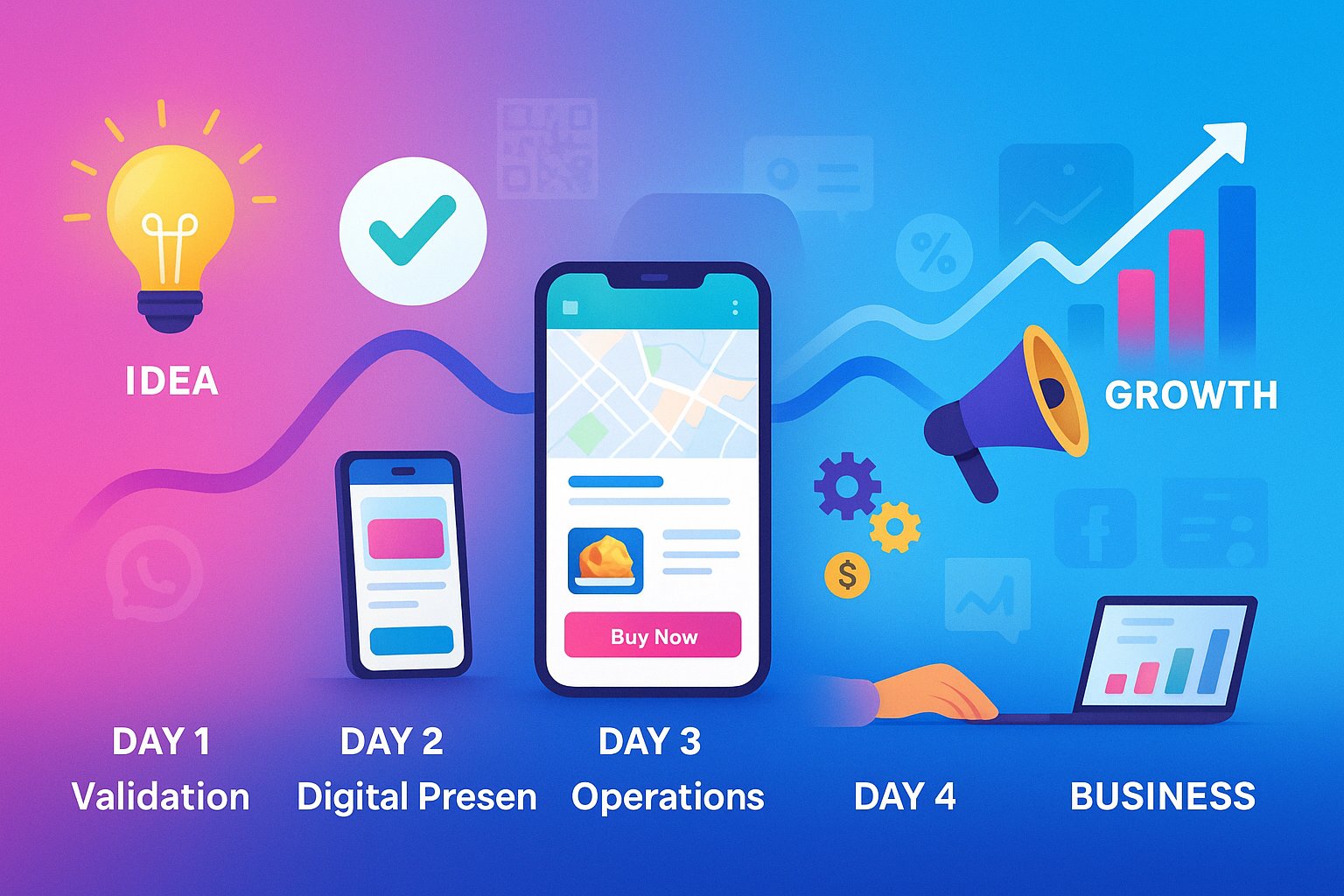
In an era where over 60% of web traffic comes from mobile devices, designing for small screens first is no longer an option—it's a necessity. For your mini website or digital business card, a mobile-first approach isn't just about responsiveness; it's about creating an optimal experience for the majority of your visitors. This strategic design philosophy ensures that your online presence delivers value immediately, regardless of which device your potential clients use to discover you.
What Exactly is Mobile-First Design?
Mobile-first design is a strategic approach where you start designing for the smallest screens first, then progressively enhance the experience for larger devices. This is the reverse of traditional web design, which began with desktop layouts that were later adapted to mobile. The philosophy recognizes that constraints of mobile devices—smaller screens, touch interfaces, and variable connectivity—actually foster better design decisions by forcing prioritization of content and functionality. For your mini website or digital business card, this means ensuring every element serves a purpose and delivers value on the devices where it's most likely to be viewed.
Why Mobile-First is Non-Negotiable for Mini Websites
When someone discovers your mini website via QR code, WhatsApp link, or social media, they're almost certainly on a mobile device. That first impression must be flawless.
📱 Usage Patterns
68% of users check their phones within 15 minutes of waking up. Your digital presence is often the first business interaction people have each day.
⚡ Performance Matters
Mobile users abandon sites that take longer than 3 seconds to load. Mobile-first design prioritizes performance and faster loading times.
🔍 Google's Mobile-First Indexing
Google now primarily uses the mobile version of content for indexing and ranking. Mobile-optimized sites rank higher in search results.
Core Principles of Mobile-First Design for Mini Websites
Implementing these principles will ensure your mini website delivers an exceptional experience on any device.
1. Content Prioritization
On limited screen space, every element must earn its place. Lead with the most important information: who you are, what you offer, and how to contact you. Secondary details can be tucked behind expandable sections or subsequent pages.
2. Touch-Friendly Design
Fingers are less precise than mouse cursors. Ensure interactive elements like buttons and links are at least 44x44 pixels with adequate spacing between them. This prevents mis-taps and frustration.
3. Simplified Navigation
Complex multi-level menus fail on mobile. Use a hamburger menu for secondary navigation and keep primary actions immediately accessible. The goal is to require minimal scrolling and tapping to find information.
4. Speed Optimization
Mobile users often have slower connections. Optimize images, minimize code, and leverage caching to ensure your mini website loads instantly. Platforms like MiniWeb automatically optimize content for mobile performance.
5. Vertical Scrolling Layout
Mobile users naturally scroll vertically. Design your layout in a single-column format that unfolds logically as users scroll, with clear visual hierarchy indicating content importance.
Technical Essentials for Mobile Optimization
Beyond visual design, these technical elements ensure your mini website performs flawlessly on mobile devices.
1. Responsive Web Design
Ensure your site uses flexible layouts, fluid images, and CSS media queries to adapt to different screen sizes. Test on various devices to guarantee proper rendering.
2. Viewport Configuration
Include the viewport meta tag (<meta name="viewport" content="width=device-width, initial-scale=1">) to ensure proper scaling on mobile devices.
3. Mobile-Friendly Forms
Use appropriate input types (email, tel) to trigger mobile keyboards. Keep forms short and use auto-complete where possible to minimize typing on small keyboards.
4. Avoid Mobile-Unfriendly Elements
Eliminate Flash content, pop-ups that are difficult to dismiss on mobile, and hover effects that don't translate to touch interfaces.
5. Accelerated Mobile Pages (AMP)
Consider implementing AMP for content-heavy sites to achieve near-instant loading on mobile devices, though this may be unnecessary for well-optimized mini websites.
Mobile-First Content Strategy
How you present content on mobile significantly impacts engagement and conversion rates.
1. Concise, Scannable Content
Mobile users scan rather than read. Use clear headings, short paragraphs, bullet points, and bold text to highlight key information. Get to the point quickly.
2. Visual Hierarchy
Establish clear visual importance through size, color, and spacing. The most critical actions (contact, booking) should be most prominent.
3. Thumb-Friendly Design
Place important interactive elements within easy reach of thumbs when holding a phone. The natural thumb zone covers the middle and bottom areas of the screen.
4. Context-Aware Content
Mobile users often have different needs than desktop users. prioritize features like click-to-call, maps integration, and simplified forms that match mobile context.
5. Mobile-Specific CTAs
Tailor calls-to-action for mobile users: "Call Now," "Get Directions," "Message on WhatsApp," or "Save to Contacts" rather than generic "Contact Us" buttons.
Testing Your Mobile Experience
Never assume your mini website works perfectly on mobile—test thoroughly across devices and scenarios.
📱 Real Device Testing
Test on actual iOS and Android devices, not just simulators. Borrow friends' phones to check rendering across different screen sizes and operating systems.
🌐 Connection Testing
Test loading performance on 3G/4G connections, not just WiFi. Use browser tools to simulate slower network speeds.
👥 User Testing
Ask people unfamiliar with your site to complete key tasks (finding contact information, booking services). Observe where they struggle and refine accordingly.
🔧 Use Google's Mobile-Friendly Test: Google provides a free tool that analyzes URLs and reports how easily visitors can use the page on mobile devices. This should be part of your quality assurance process for every page.
How MiniWeb Embodies Mobile-First Design
Platforms like MiniWeb are built from the ground up with mobile-first principles, making it easier to create effective mini websites without technical expertise.
- ✅ Pre-optimized Templates: Every template is designed mobile-first, ensuring proper rendering on all devices without extra effort.
- ✅ Automatic Image Optimization: Uploaded images are automatically resized and compressed for mobile viewing.
- ✅ Mobile-Specific Features: Built-in QR code generation, WhatsApp integration, and one-tap contact saving prioritize mobile user needs.
- ✅ All interactive elements are designed to finger-friendly specifications.
- ✅ Performance Optimization: The platform handles technical optimizations behind the scenes for fast loading.
Future-Proofing Your Mobile Presence
Mobile technology evolves rapidly, but these principles will keep your mini website effective for years to come:
- 🚀 Focus on core content rather than trendy design elements
- 🚀 Prioritize accessibility for all users, including those with disabilities
- 🚀 Embrace progressive enhancement—build a solid base experience that works everywhere, then add enhancements for capable devices
- 🚀 Monitor analytics regularly to understand how users interact with your site on different devices
- 🚀 Stay updated on mobile trends without chasing every new feature unnecessarily
Mobile-First: The Foundation of Digital Success
In a world where mobile devices dominate how people discover and connect with businesses, a mobile-first approach to your mini website isn't just good practice—it's essential for relevance and success. By prioritizing mobile users from the initial design phase, you create experiences that are not only functional but delightful on the devices where they matter most. This approach future-proofs your digital presence, improves performance across all devices, and ultimately converts more visitors into customers. Remember: your mini website may be someone's first impression of your business. Make sure it's optimized for the device they're most likely to use.